From the default setup to your estimate
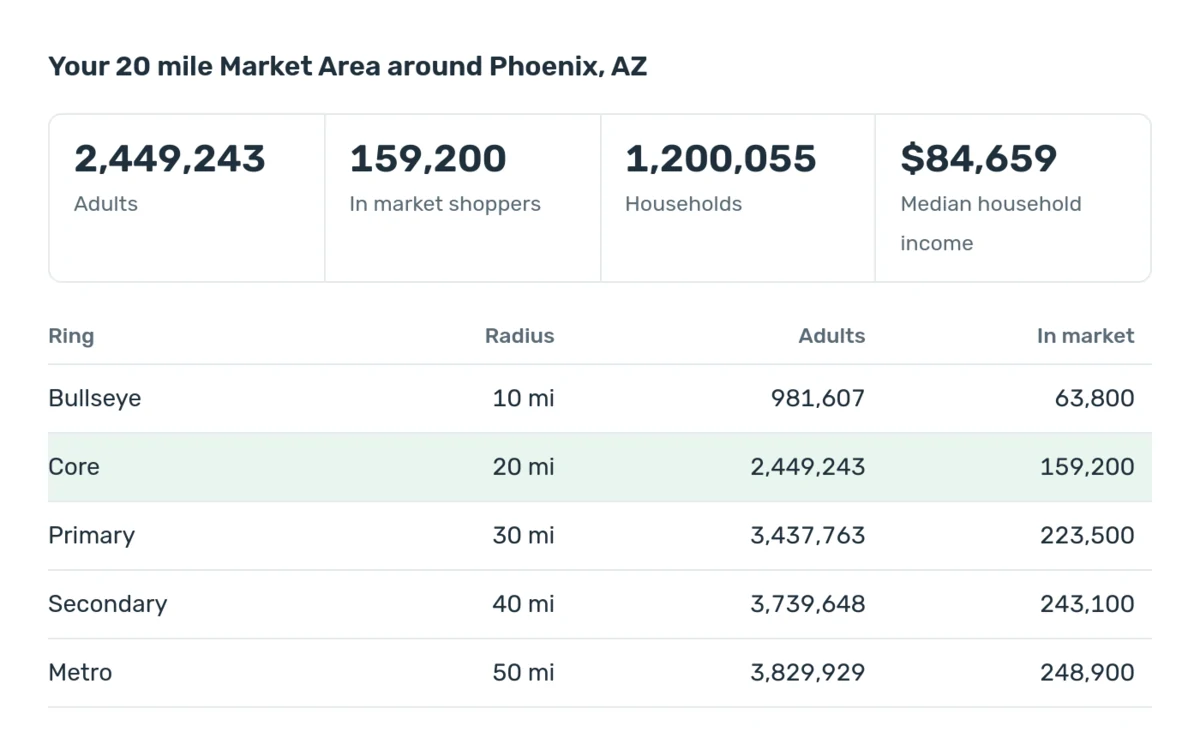
Every plan with leads is sold by Marketing Effort Level, never by a number of leads. Each level is the advertising exposure and campaign work we put behind your settings, and each one adds about the same exposure, so 2x gets about twice the exposure of 1x. When you first open the tool it builds the same default setup Leads Manager creates for a new campaign, matched to your kind of store and your market: a 20 mile Market Area, the makes you sell, the credit tiers you work, the buyer signals that fit your customers, the delivery channels, and three lead form questions.
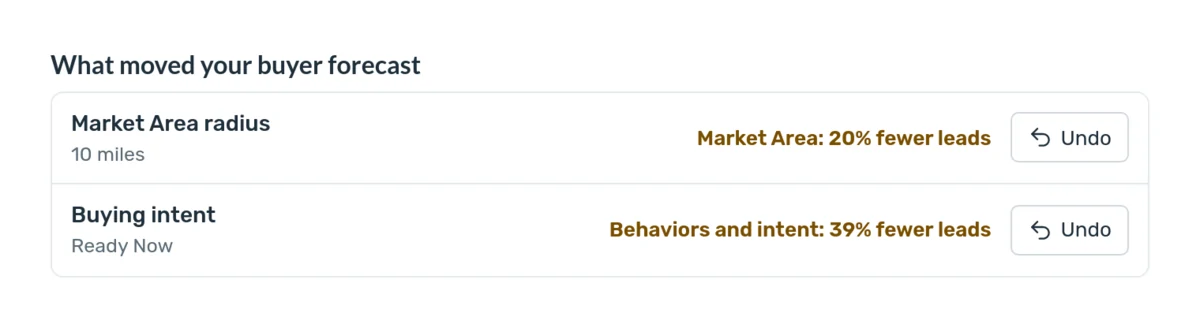
The estimate moves with your choices. Fewer makes, a single intent stage, fewer channels or a narrower Market Area speak to fewer shoppers, so the estimate drops. A wider Market Area, more makes, more channels, fewer lead form questions or a higher effort level reach more people, so it climbs. The list under the estimate shows each choice that moved the number and by how much, with a one click undo for each. Reset to Default Settings brings the default setup back at any time.
Your default setup and what you control
After sign up you set the targeting yourself in Leads Manager, on the same controls you see here. You can update it once each billing period, and in your first month, changes open after the first two weeks. The settings are yours: narrower settings usually bring fewer leads, and Leads Manager shows the estimate for your settings and your effort level (Terms of Service, Sections 8.8 and 8.9). Every request about your account goes in writing through a support ticket, so nothing gets lost.
Extra Marketing Effort Levels can be added to any plan, and each one adds about the same exposure on the same settings. A dealer group can map every store in the tool and see the combined reach, with every ZIP code counted once.
Seller leads for Marketplace Acquisitions
Seller campaigns bring you local owners who asked for an offer on their vehicle. They start at the strictest vehicle settings: ten model years or newer, 125,000 miles or less, and a clean title, with every make included. You can widen any of the three, and seller campaigns use the same five Market Area sizes as buyer campaigns: 10, 20, 30, 40 or 50 miles. You buy outright, take trade ins and pay off loans, so a seller with a payoff or a lease is a valid lead (Section 8.10). The Hybrid plan starts at 1x Buyer Effort + 1x Seller Effort, and the tool estimates both.
Built for every kind of dealer
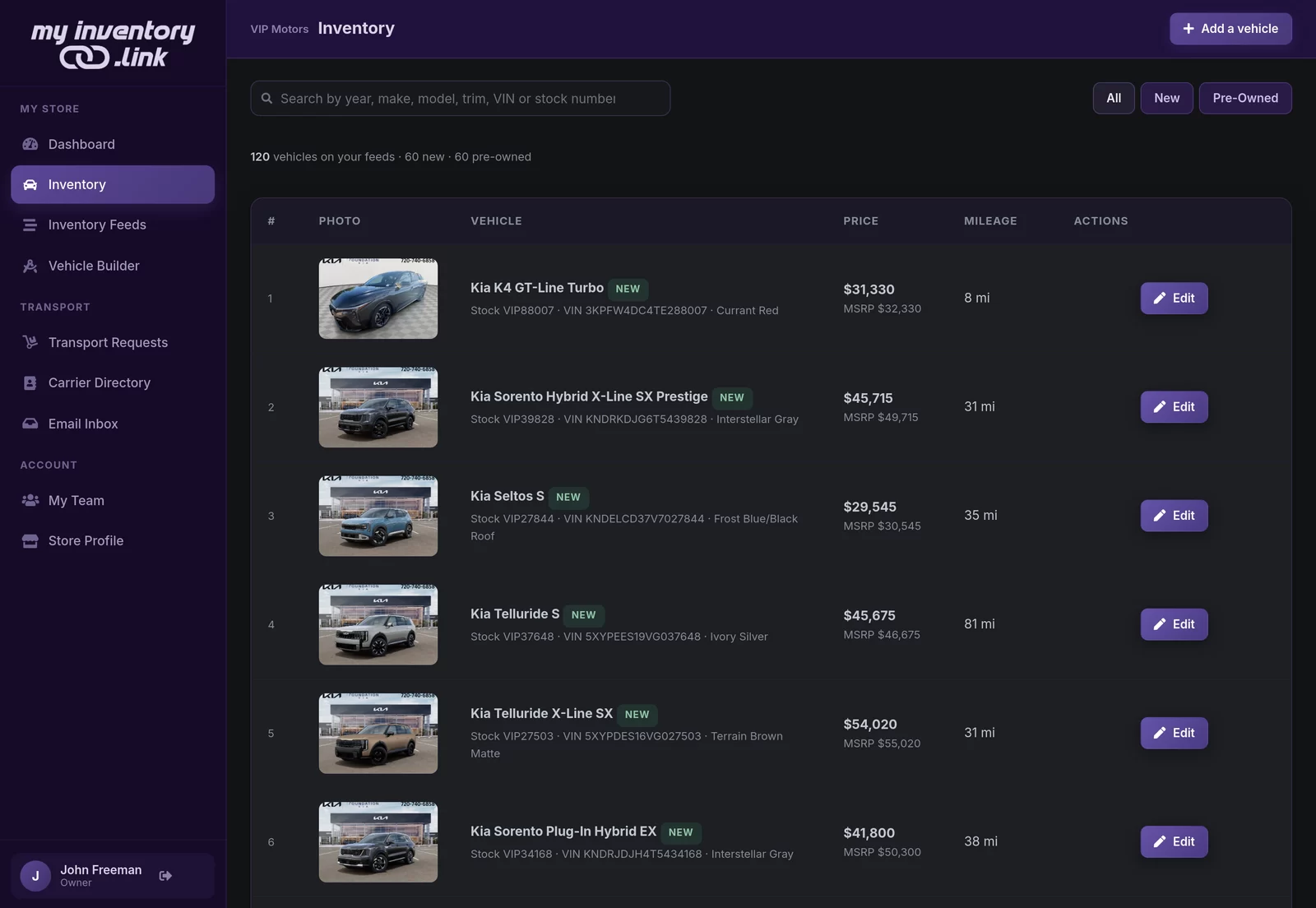
A salesperson gets leads in their own name and their own CRM login, with no inventory feed required. A franchise store pairs its brands with the Loyalty and Conquest programs, while an independent lot leans on the most popular used brands. A buy here pay here dealership leads with in house financing, past bankruptcy and past repossession programs. A broker sources any brand and leads with lease offers, and a dealer group maps every rooftop in one view. Pick yours at the top of the tool and the default setup follows.
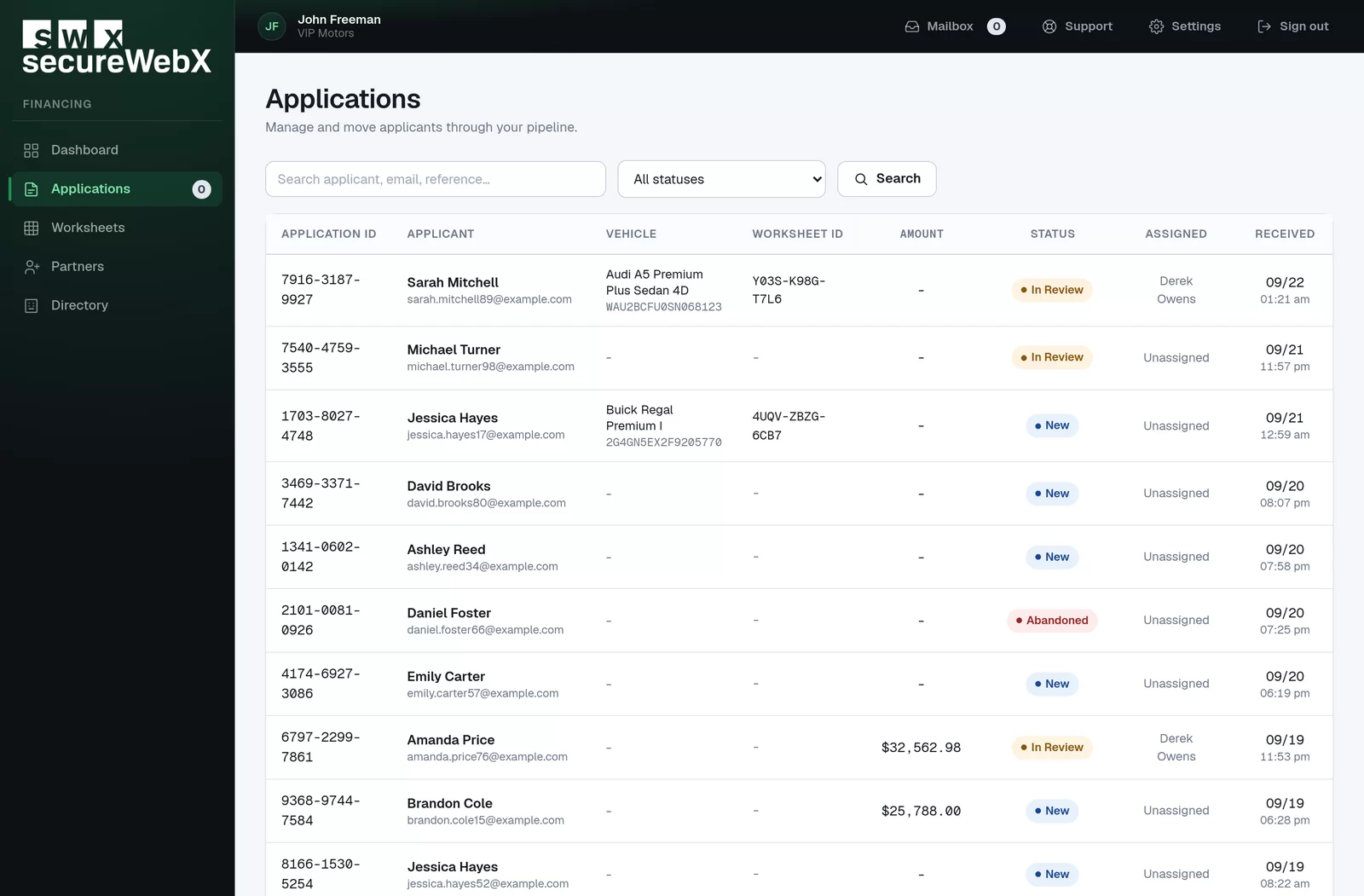
Financing ads are a regulated category under federal fair lending rules, so age, gender, marital status, income and residence always stay open to everyone 18 and older in your Market Area. The tool shows those settings locked, exactly as Leads Manager does. Market figures come from public and proprietary sources and update as new figures are released.